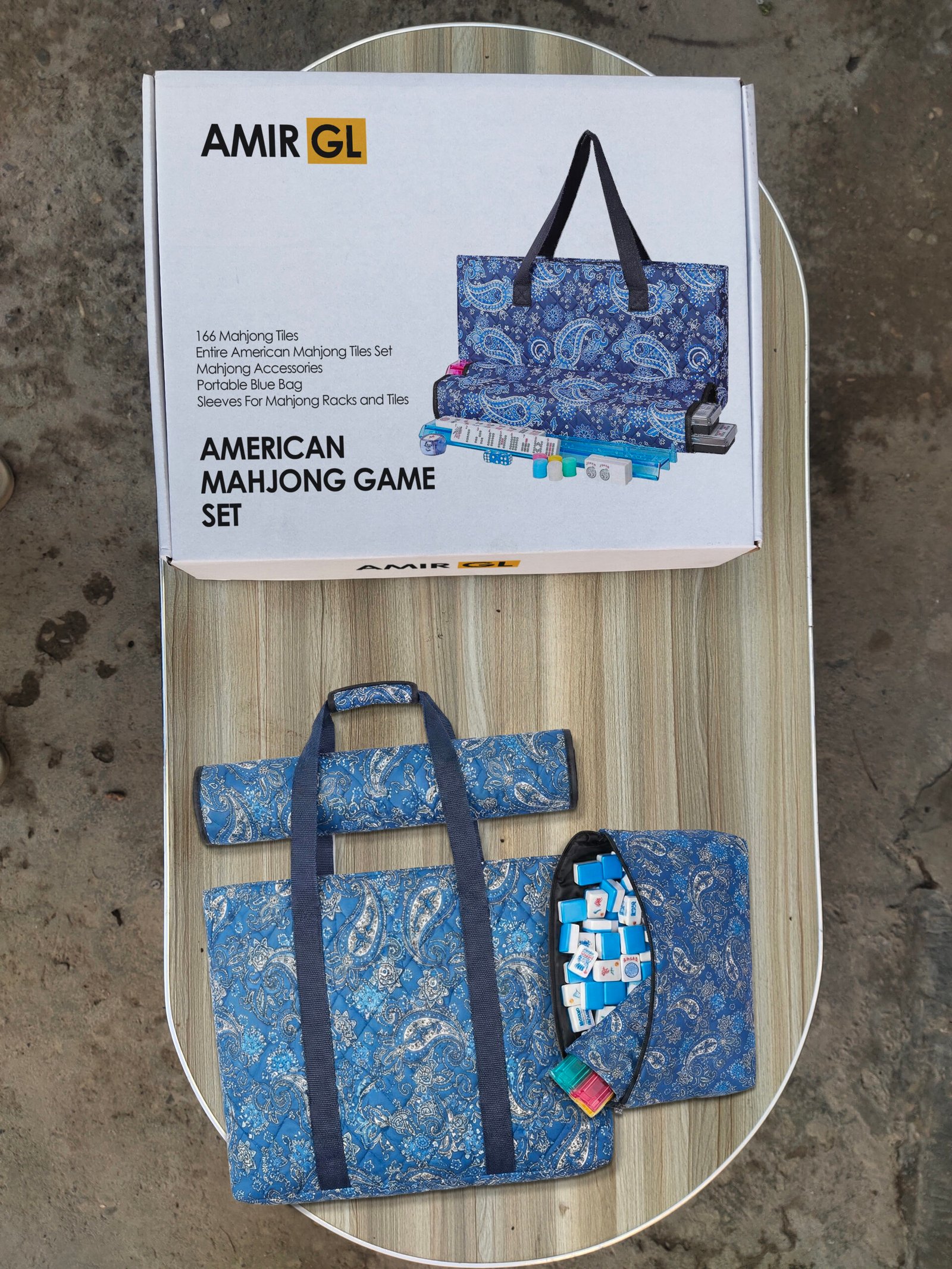
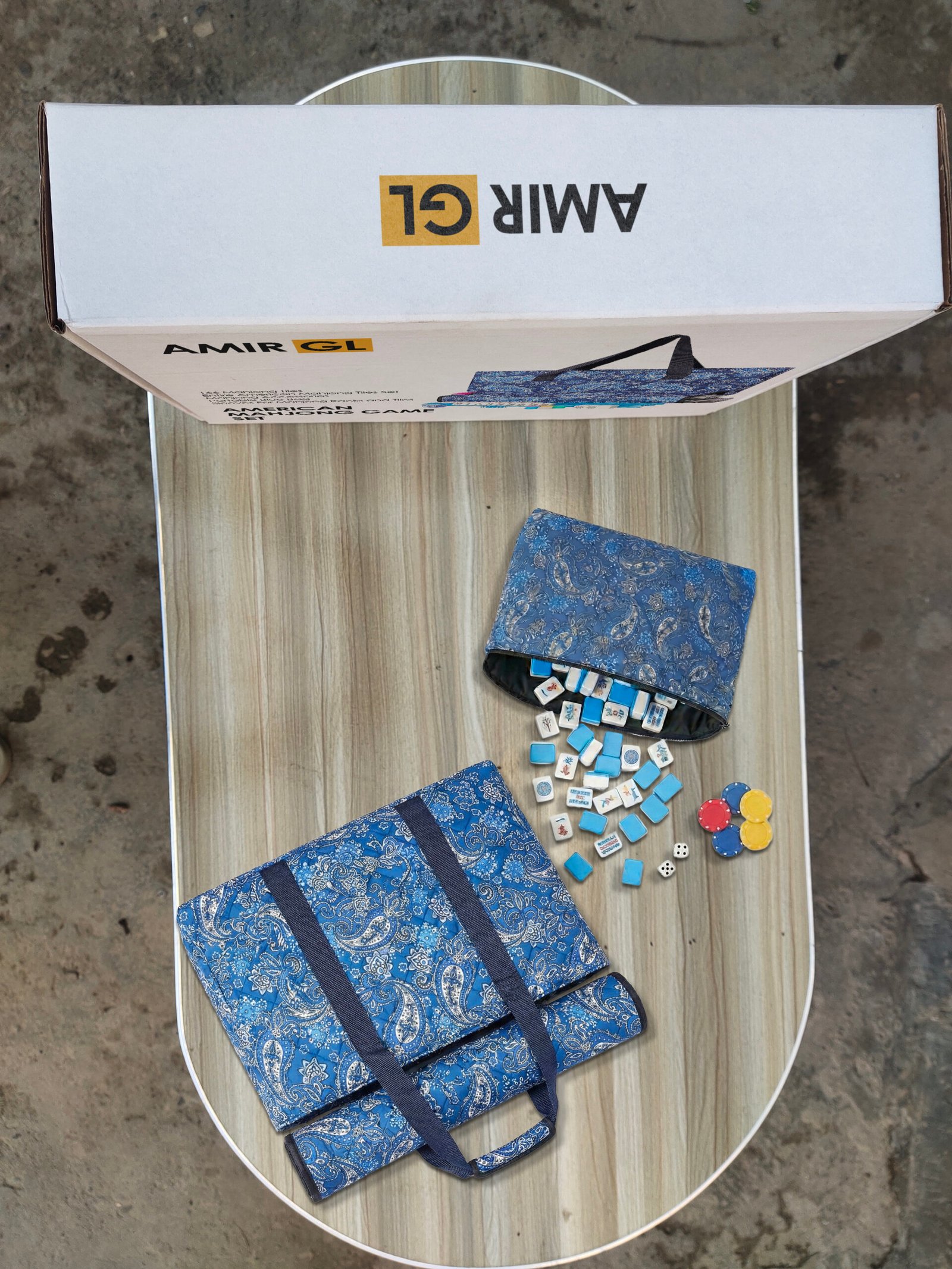
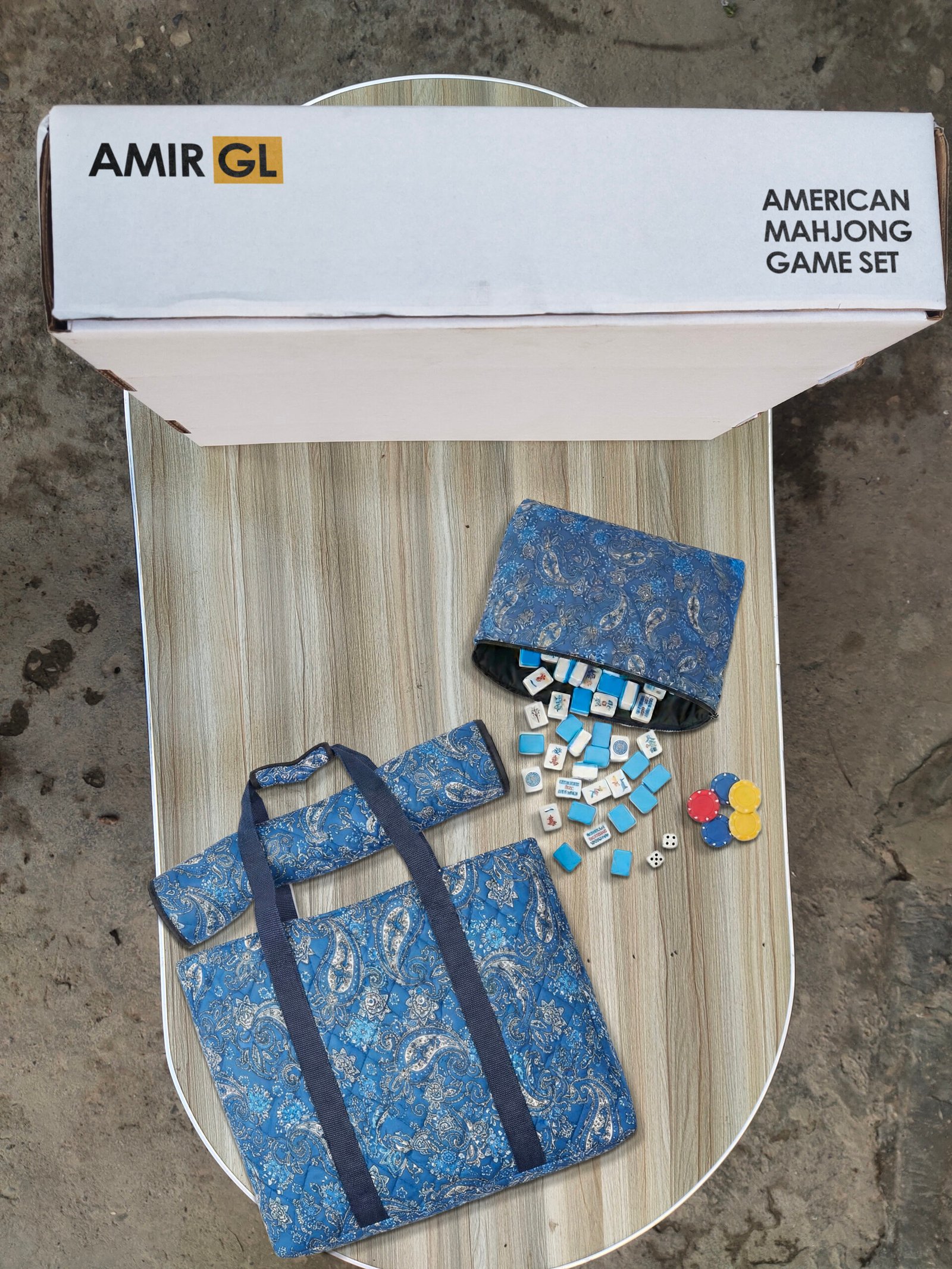
Whether you need Private Label product (PL) Brand Approval, Category or product GTIN Exemption, or just Affixed Packaging to apply for brand registry, brand approval, or GTIN/UPC/EIN exemption, we provide the right solution to get your products listed quickly and smoothly.
Pepe Studio is Brilliant, and very recommended she can finalize the tast before the schedualed date.
the_paramount
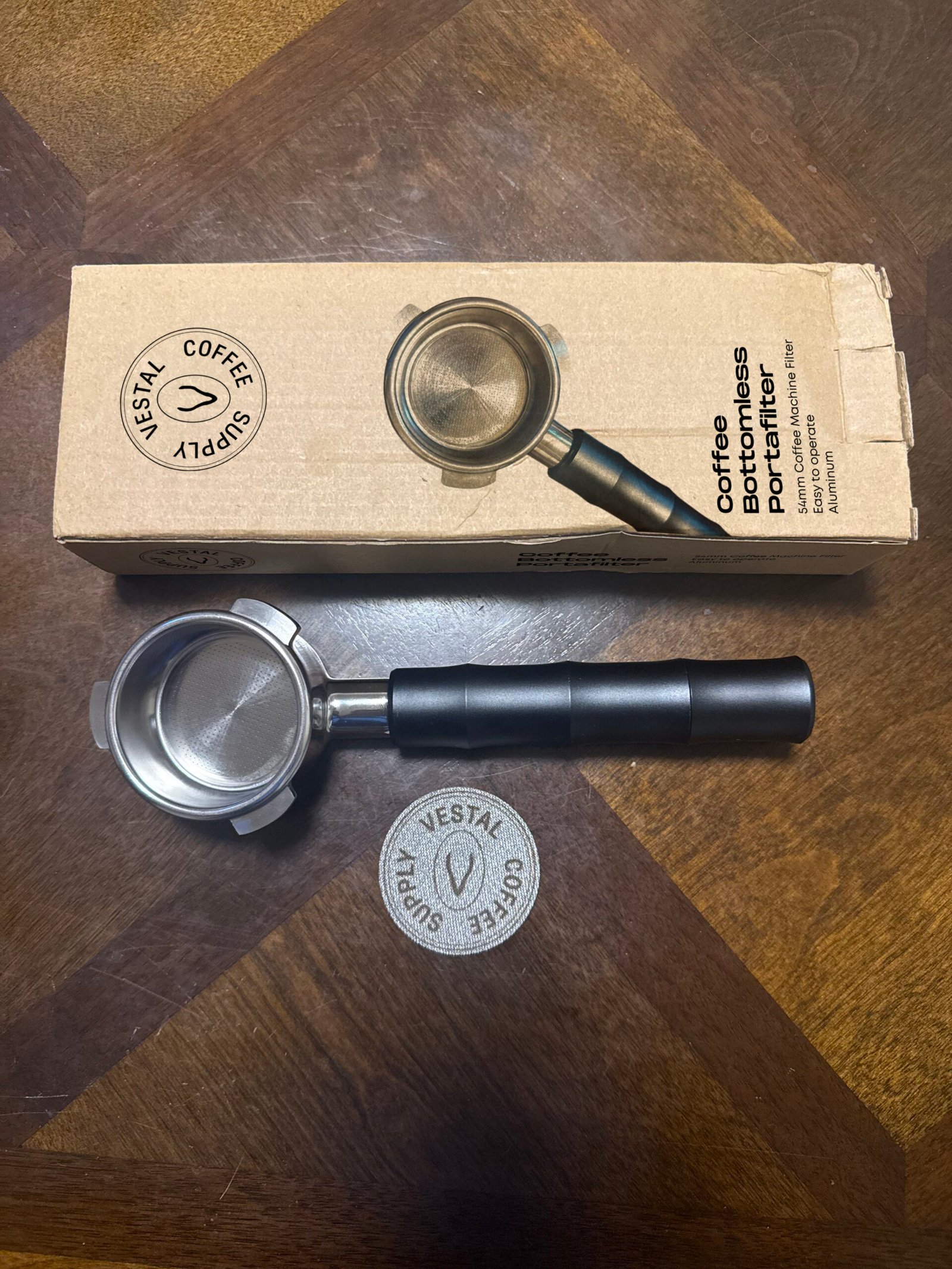
Brand: Vestal Coffee Supply
This service has blown away my expectations. I came in with multiple questions that were addressed right away, and I was able to get the service delivered to me within 2 days. I am very satisfied with this service and will be using it again!
nickeyx
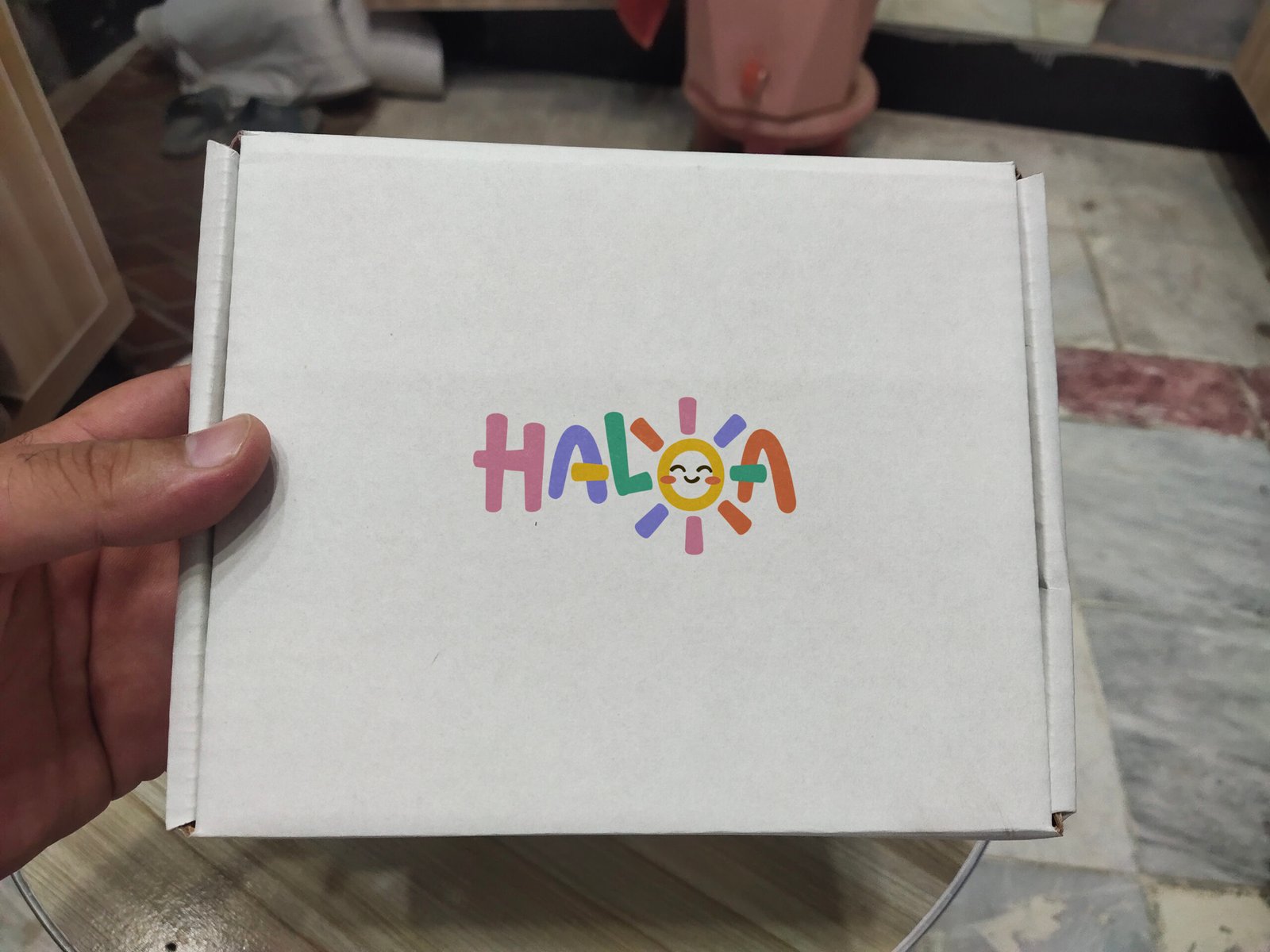
Brand: HALOA
Pepe Studio was incredibly professional, accommodating, and efficient throughout the entire process. She understood exactly what I needed for my Amazon brand registry product images and delivered high-quality work quickly. Communication was clear and easy, and she went out of her way to make sure I was happy with the results. If you’re looking for someone reliable and talented for Amazon product images, look no further. Khadija is the one!
Kavendo
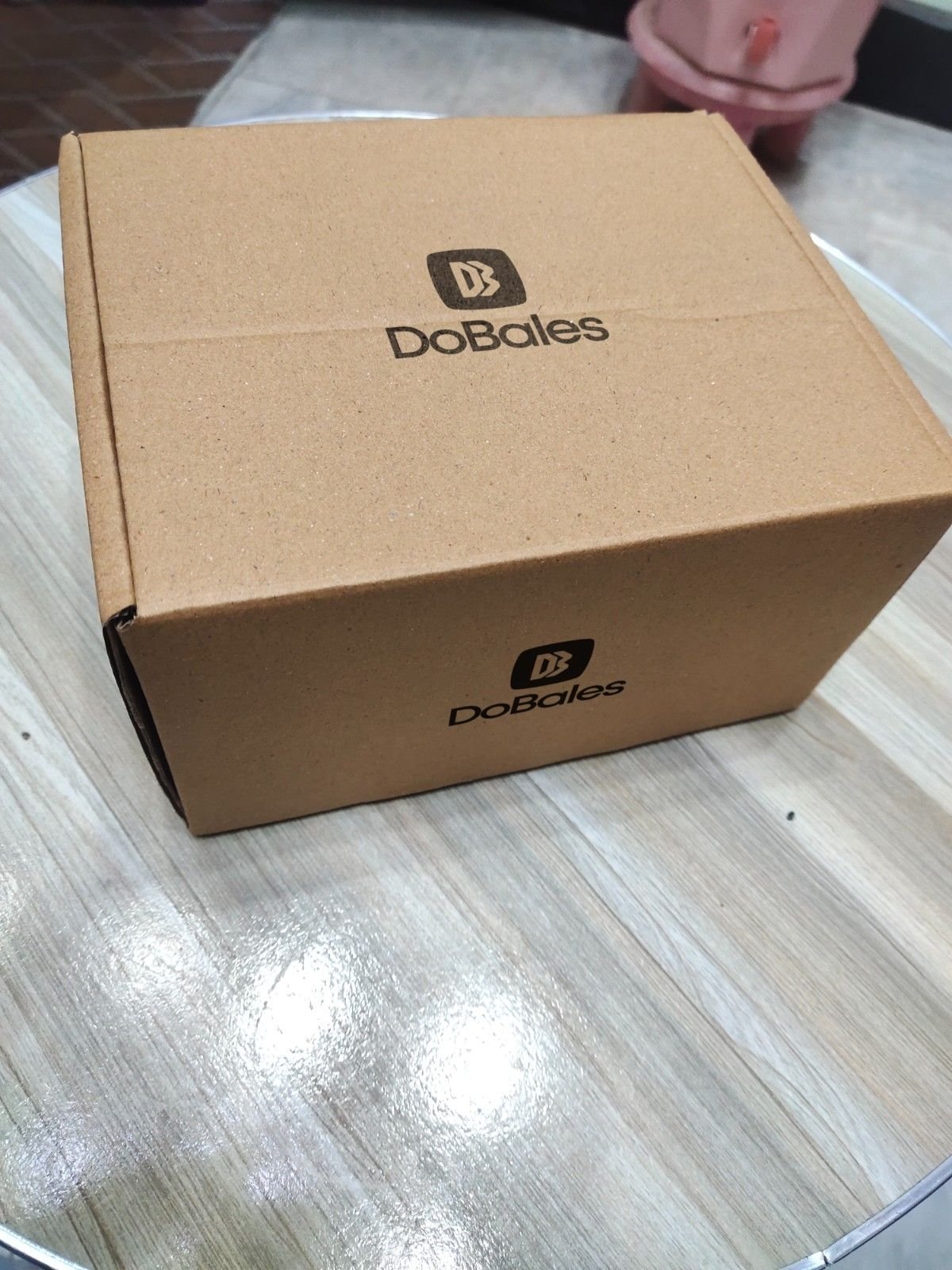
Brand: DoBales
Pepestudio is very very quick with delivery, so fast that everything else I needed to know could not keep up with her pace.
-/FAQs
What Is a GTIN Exemption on Amazon and Why Is It Required?
A GTIN (Global Trade Item Number) is a unique identifier assigned to products. It usually appears as a barcode with a numeric code underneath and is used to clearly differentiate one product from another. Even small variations such as size, color, or packaging require their own GTIN.
There are several widely used GTIN formats, including:
UPC (Universal Product Code): Commonly used in the United States and Canada
EAN (European Article Number): Used across Europe and many other regions worldwide
ISBN (International Standard Book Number): Specifically assigned to books
JAN (Japanese Article Number): Used in the Japanese market
GTIN-8 and GTIN-14: Typically used for smaller products or multipack items
GTINs play a critical role in Amazon’s product catalog. They help accurately identify products, manage inventory, and ensure better visibility in search results. Amazon now enforces strict GTIN validation by cross-checking codes with the official GS1 database. For this reason, Amazon strongly prefers GTINs issued directly by GS1, as they are globally unique, brand-registered, and verifiable. GTINs purchased from third-party resellers may lead to listing errors, suppression, or rejection.
What are the requirements and steps to apply for a GTIN exemption on Amazon?
If you sell products that do not have a Product ID (such as a UPC, EAN, JAN, or ISBN), you may be eligible to apply for a Global Trade Item Number (GTIN) exemption on Amazon. This exemption allows you to list products without a barcode. Below are the specific eligibility guidelines, preparation requirements, and steps to apply.
Eligibility for GTIN Exemption
You can apply for an exemption if:
You sell private-label or handmade products.
You are the manufacturer, brand owner, or publisher of products that do not have barcodes.
You sell product parts (e.g., automotive parts) that do not have a GTIN.
You sell bundled products (e.g., a belt and wallet pack).
You sell generic, unbranded products.
You typically cannot apply if:
Your product already has a GS1-approved barcode.
You are listing a book and attempting to use “Generic” as the publisher.
The product is already available in the Amazon catalog.
The brand you are selling requires a mandatory UPC (this will result in an automatic decline).
Application Preparation Before applying, ensure you have the following ready to avoid rejection:
Product Images: You must provide clear, real-world photos of the product and packaging from all sides (front, back, left, right, top, bottom). For books, include the front cover, back cover, spine, and inside cover showing the publisher’s name. Images must be well-lit and not be digital renderings.
Brand Marking: If the product is branded, the brand name must be permanently affixed (e.g., embossed, printed, sewn-in). Stickers or temporary tags are not accepted.
Brand Formatting: Ensure your brand name is formatted correctly without extra spaces or symbols that do not match the product (e.g., use “Brand Name” instead of “Brand_Name”).
How to Apply The application process is integrated into the product listing workflow:
Go to Catalog > Add products in Seller Central.
Enter your product title and click Create a new listing.
Fill in the product details and category.
Enter the Brand Name (or “Generic” if unbranded).
Check the box labeled “I don’t have a product ID” and click Next.
Depending on your brand status, one of the following will happen:
Automatic Approval: If you are the brand owner or selling a generic item, you may receive immediate approval.
Application Window: If the brand requires approval, you will be directed to a separate application form where you must upload your product images. Approvals typically take up to 48 hours.
Listing After Approval Once approved, wait 30 minutes before listing your product to allow the systems to sync. You can then list your items using the “Add products” tool or via bulk upload by leaving the Product ID column blank and selecting “GTIN Exempt” as the Product ID Type. Note that exemptions are category-specific; if you are approved for the “Apparel” category, you do not need to reapply for other apparel items.
What Products Don’t Need a GTIN on Amazon
Not every product listed on Amazon is required to have a GTIN. In some cases, Amazon allows sellers to apply for a GTIN exemption, which makes it possible to create listings without a barcode.
Products that commonly qualify for a GTIN exemption include:
Handmade or made-to-order items
Private label products that do not use GS1-registered barcodes
Product bundles, such as gift sets made up of multiple items
Generic or unbranded products
Parts, accessories, or replacement items that are not assigned a manufacturer barcode
Eligibility for a GTIN exemption depends on Amazon’s specific category guidelines, and approval is not automatic. Sellers must submit a request through Seller Central and provide supporting information, such as product images, packaging details, or branding proof.
Although listing products without a GTIN can make the setup process easier, it’s important to ensure your exemption is legitimate and your listings fully comply with Amazon’s policies. This helps prevent listing errors, suppression, or future compliance issues.
What are the image requirements for Amazon GTIN exemption approval?
To avoid rejection when applying for a GTIN exemption, your product photos must meet strict “real-world” standards. Digital renderings are not accepted. You must provide:
Comprehensive Angles: Photos showing all sides of the product and its packaging (front, back, left, right, top, and bottom).
Branding: The brand name must be permanently affixed to the product or packaging (e.g., printed, sewn-in, or embossed). Stickers, temporary tags, or digitally added logos are prohibited.
Book Specifics: If listing a book, you must show the front cover, back cover, spine, and the inside cover containing the publisher’s name.
Quality: Images should be well-lit and a minimum of 500×500 pixels.
How do I list a product on Amazon after receiving a GTIN exemption?
Once your exemption is approved, you must wait 30 minutes before listing to allow Amazon’s systems to sync. If you list too early, you may encounter a Product ID error.
For Individual Items: Go to “Add products,” enter the exact Category and Brand Name from your approval notice, and leave the “Product ID” field blank. Select “GTIN Exempt” if a drop-down appears for the ID type.
For Bulk Uploads: Use the “Add Products via Upload” tool. In your template, fill in the required fields but leave the Product ID column blank. In the “Product ID Type” column, select “GTIN Exempt”.
Do I need to ship the physical product to you so you can take the real-world photos required for the Amazon GTIN exemption?
No, there is no need to ship the physical product. Shipping items internationally is often too costly, time-consuming, and can lead to unexpected customs charges. Instead, I will source a comparable item from my local market to stage the required photos. I simply need your product name and a reference link (such as a similar product on Amazon or your supplier’s link on Alibaba) to ensure the visual match is accurate.